

How to Create Clothing Mockups in Procreate
If you're designing clothing for your own brand or working on designs for clients, having the right tools can make a huge difference in your workflow.
Procreate has become a popular option for apparel designers who want the flexibility to create and customize clothing designs directly from their iPad.
From oversized hoodies and graphic tees to more detailed garment concepts, Procreate gives you the freedom to experiment with your ideas without relying on traditional sketching methods.
Here's how to create clothing mockups in Procreate and get the most out of your design process.
What Are Procreate Clothing Mockups?
Clothing mockups are digital representations of garments that allow you to visualize designs before they're manufactured.
Instead of producing a physical sample every time you want to test a new colorway, graphic, or design detail, you can make those changes digitally.
In Procreate, clothing mockups can be customized using layers, brushes, colors, and other design tools.
They're especially useful for apparel designers who want more control over their designs without spending hours creating garment outlines from scratch.
1. Start With a Clothing Template or Fashion Brush
There are two main ways to create clothing mockups in Procreate: using an existing mockup template or building your own with fashion design brushes.
Using a clothing mockup template
If you want to get straight into designing, starting with a pre-made clothing mockup is the easiest option.
A mockup provides the base garment, allowing you to focus on customizing its appearance rather than drawing the entire piece yourself.
This is especially helpful when you're designing multiple pieces for a collection or working with clients who need to see different concepts quickly.
Using Procreate fashion brushes
If you prefer creating your own mockups, fashion brushes give you more flexibility.
Rather than manually drawing every seam, pocket, or garment detail, you can use pre-designed brushes to build your mockup.
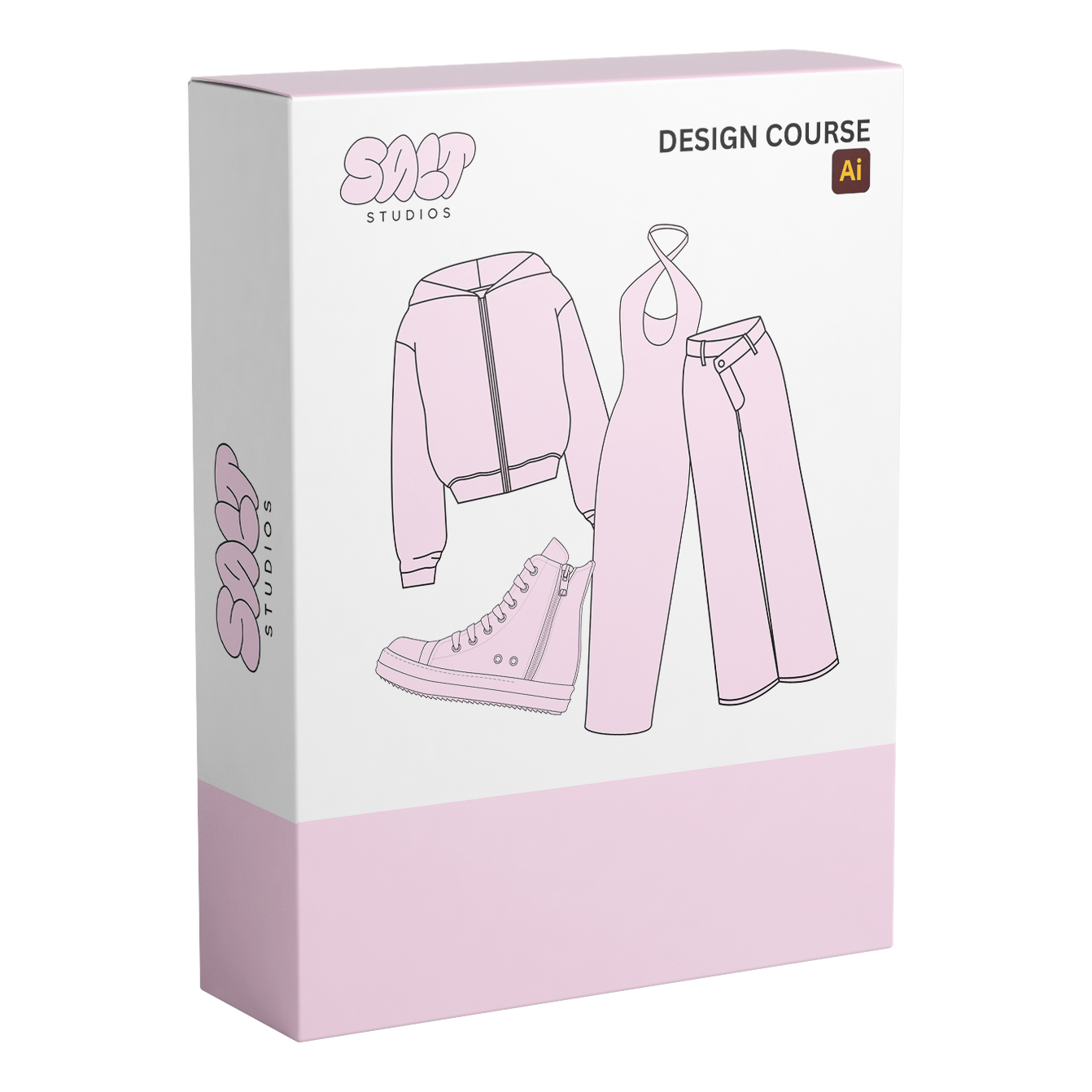
The Salt Studios Procreate Fashion Brush Pack includes 436 brushes created specifically for apparel design.
It's designed to work with your own mockups or alongside Salt Studios Procreate mockup packs, making it easier to customize existing garments or develop something entirely new.
2. Set Up Your Canvas
Before you start designing, make sure your canvas is set up properly.
For most digital clothing mockups, a square canvas is a practical starting point. A 2000 × 2000 pixel canvas gives you room to work with garment details while keeping your designs easy to export and share.
If you're planning to use your mockups for presentations, social media, or your website, consider how the finished designs will be displayed.
It's also a good idea to keep your garment outline, graphics, and other design elements on separate layers.
This makes it easier to adjust individual details without affecting the rest of your design.
3. Build Your Clothing Mockup
Once your canvas is ready, it's time to start creating.
If you're using a pre-made mockup, import your template into Procreate and begin customizing it.
If you're creating a garment from scratch, start with the overall silhouette.
Focus on the basic shape and proportions before adding smaller details.
For example, when creating a hoodie mockup, you might start with the body and sleeves before adding the hood, pockets, stitching, and other design elements.
Using fashion brushes can make this process much faster, especially when you're working with details that would otherwise need to be drawn individually.
The goal is to build a clean foundation that you can continue customizing as your design develops.
4. Add Colors, Graphics, and Design Details
This is where your mockup starts to come together.
Once you have your garment outline, you can begin experimenting with different design elements.
Try changing the garment color, adding graphics, adjusting logo placement, or incorporating details like contrast stitching and paneling.
Working with separate layers allows you to test different ideas without having to recreate your entire mockup.
For example, if you're designing a graphic tee, you can keep the shirt outline on one layer and your artwork on another.
This makes it easy to try multiple graphics or color combinations using the same garment.
You can also duplicate your design to create additional colorways for your collection.
5. Use Layers to Keep Your Designs Organized
One of the biggest advantages of designing in Procreate is the ability to work with layers.
Keeping your designs organized makes it easier to make changes, especially when you're working on more detailed garments.
Consider separating your design into layers for the garment outline, base color, graphics, stitching, and other details.
This gives you more flexibility when editing and allows you to make adjustments without affecting unrelated elements.
It's also useful when you're creating multiple versions of the same garment.
Instead of starting over every time, you can duplicate your existing mockup and make changes as needed.
6. Export Your Finished Clothing Mockups
Once you're happy with your design, you can export your mockup for presentations, product development, or marketing.
Procreate supports several export formats, including PNG, JPEG, and PSD.
The best format depends on how you plan to use your design.
PNG: Great for sharing mockups with transparent backgrounds.
JPEG: Useful for website images, social media, and general presentations.
PSD: Helpful when you want to continue editing your design in compatible software.
If you're preparing designs for manufacturing, remember that a visual mockup is only one part of the process.
Your manufacturer may also need technical specifications, measurements, artwork files, and construction details to accurately produce your garment.
Make Your Procreate Design Process Easier
Creating clothing mockups doesn't have to involve drawing every garment detail by hand.
Whether you're building designs from scratch or customizing existing templates, having the right resources can help you work more efficiently and spend more time developing your ideas.
At Salt Studios, we create professional apparel design resources for designers who want a more streamlined creative process.
Our Procreate mockup packs and fashion brushes are designed to help you create, customize, and present your clothing concepts directly from your iPad.
Less time building templates. More time designing.
Explore the Salt Studios Procreate Fashion Brush Pack and start creating your next collection.